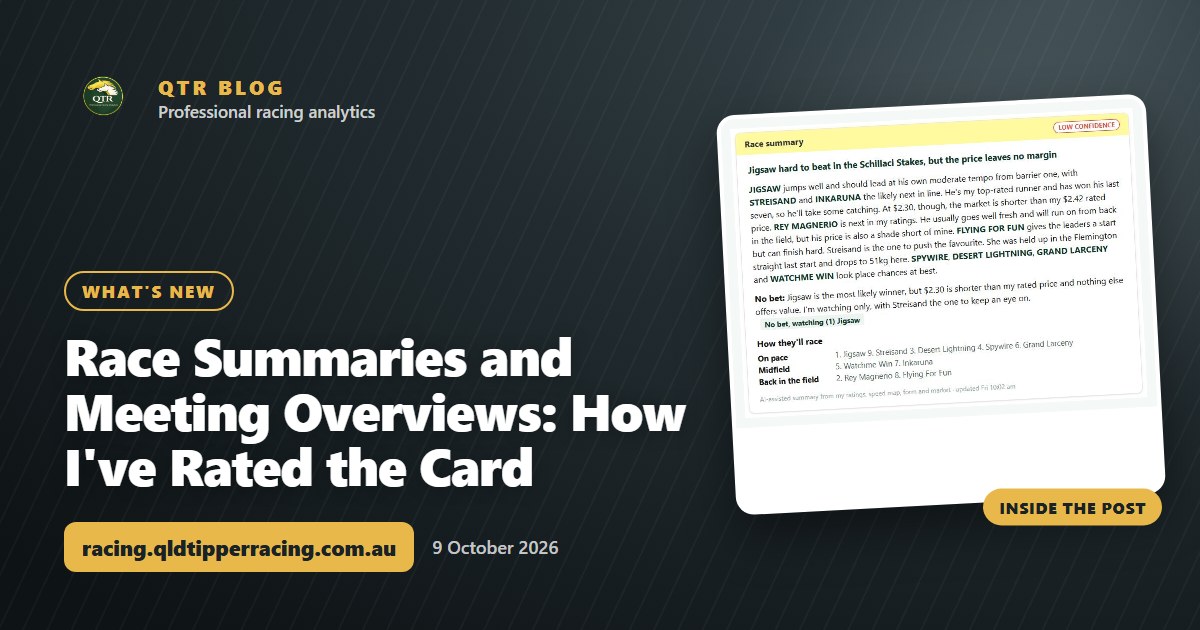
Race Summaries and Meeting Overviews: How I've Rated the Card
Every metro race now has a written race summary, and every meeting has an overview with my best bet, value plays and quaddie note. Here's how members can use them.
The biggest addition to QTR this week is race summaries. Every race at the metro meetings now has a written summary on the race page, and every meeting has an overview that pulls the whole day together. Together they give you a plain-English guide to how I've rated the card.
This is the most useful update for a punter because ratings tell you who, and a summary tells you why. Here's what's in it and how I'd use it.
Try it free: you can read a race summary on a real members race card in my Demo Playground, with no sign-in needed.
Race summaries on every metro race
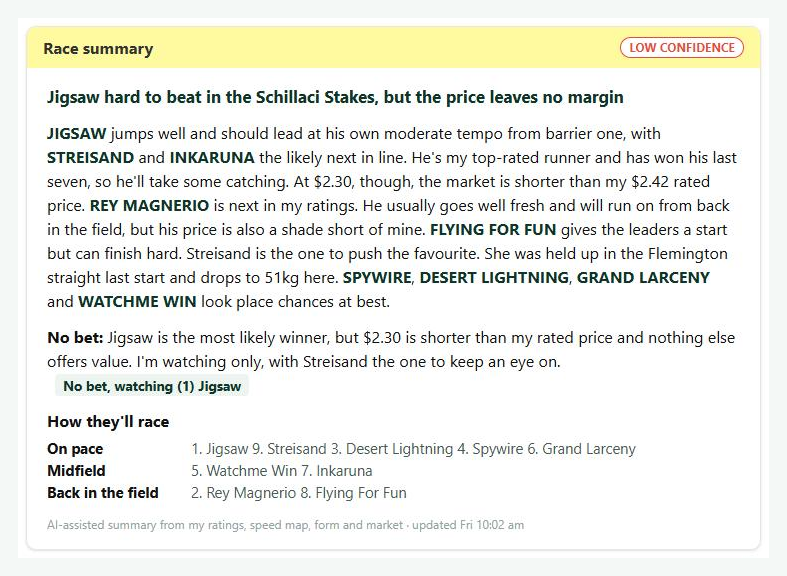
Open any race at a metro meeting and you'll find the race summary on the race page, just under the top-rated runners. It's written from my ratings, the speed map, form and the market, so it reads like a quick briefing before you decide where to put your money.
Each summary covers three things:
- How I expect the race to be run. Is there a genuine tempo, or will they dawdle and turn it into a sprint home?
- The main chances, in the order I rate them, and why. You get the reasoning behind each rating, not just a number.
- My verdict. That includes races where I'm only watching, so you know when I'd rather sit out than force a bet.
That last point matters. Knowing which races I'm not keen on can save you as much as a good tip makes you.
"How they'll race"
Every race summary also has a "How they'll race" section. It shows who should be on pace, who should sit in the midfield and who should be back in the field.
Pace shapes a lot of results. A leader with no one to pressure it can be hard to peg back, and a closer needs a genuine tempo to get into the race. Seeing the likely running positions in a few lines makes it much easier to spot who the race should suit and who might be in trouble.
Meeting overviews on the meeting page
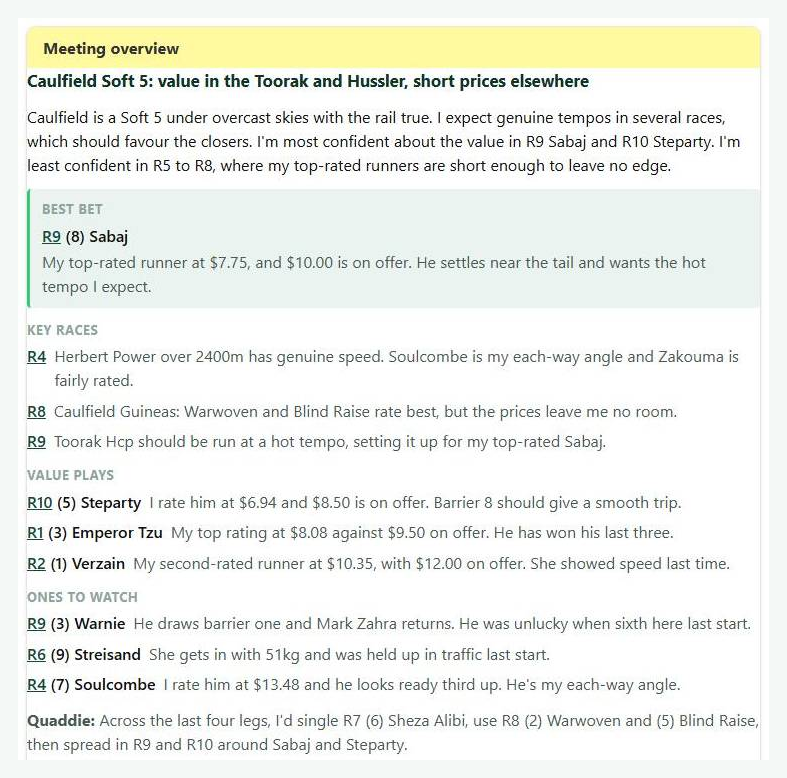
Scroll to the bottom of a meeting page on the race cards and you'll find the meeting overview. It's the big picture for the day, and it includes:
- My best bet for the meeting.
- Key races worth your attention.
- Value plays where my ratings and the market disagree.
- Ones to watch that may not be bets today but are worth keeping an eye on.
- A quaddie note to help you build your tickets.
If you only have five minutes before the first race, this is the place to start. You can read the overview, then go into the races it flags and read those summaries in full.
New to QTR? Sign up free and get 7 days of full access: my ratings, speed maps and race summaries for every race. No card needed.
Sign up freeKept up to date as the morning moves
Race-day information changes quickly. Scratchings alter the shape of a race, and prices move as the market firms and drifts.
The summaries and overviews are written from my ratings, speed map, form and market, and they update through the morning as scratchings and prices change. A final version is locked in at 10am on race day. If you check in early, you'll see the picture as it stands. By 10am you'll have the finished read.
How I'd use them
Here's a simple routine for race day:
- Read the meeting overview to get my best bet, key races and value plays.
- Open the races it flags and read the race summary, paying attention to the order of the main chances and the reasoning behind it.
- Check "How they'll race" to see whether the pace suits the runner you like.
- Look at my verdict, and treat a "watching only" call as a reason to be selective.
- Use the quaddie note when you're putting together your legs.
- Come back after the final version at 10am to see what's changed.
Summaries are for paid members. You can see what's included on the membership page.
Summaries now in the Meeting Preview PDF
The second update this week, v1.52, adds the summaries to the Meeting Preview PDF. The meeting overview now sits at the bottom of the first page, and each race's summary sits at the bottom of its race page.
Each race still fits on its own page, so the PDF stays easy to print or read on your phone. It's handy if you like to mark up a form guide at the track or the pub.
You can keep up with every change on the what's new page, and there are more guides on the QTR blog.
Want a look before you sign up? My Demo Playground lets you use the full race card, Ratings Lab, speed maps, My Assessment and QTR Systems on big races like The Everest and the Caulfield Cup, with no sign-in needed.
Ready to try it?
The best way to see how useful race summaries are is to read one on a live meeting. Start your 7-day free trial and open a metro race card to see how I've rated the day.
Frequently asked questions
What is a race summary on QTR?
It's a written guide on each metro race page that covers how I expect the race to be run, the main chances in the order I rate them and why, and my verdict. It also includes a "How they'll race" section showing who should be on pace, in the midfield and back in the field.
What is in the meeting overview?
The meeting overview sits at the bottom of the meeting page. It has my best bet, key races, value plays, ones to watch and a quaddie note.
When are race summaries updated?
They update through the morning as scratchings and prices change. A final version is published at 10am on race day.
Who can see race summaries and meeting overviews?
Summaries are for paid members. You can try them with the 7-day free trial.
Are the summaries in the Meeting Preview PDF?
Yes. The meeting overview is at the bottom of the first page, and each race's summary is at the bottom of its race page, with each race still on its own page.
Get 7 days of full access, free
Sign up free and every feature is unlocked for your first 7 days. No card needed.
- My ratings, speed maps and race summaries for every race
- Ratings Lab, My Assessment and custom speed maps
- QTR Futures for the big races ahead
- Form tools, head to head, trainer patterns and the Statistics tab
Read next
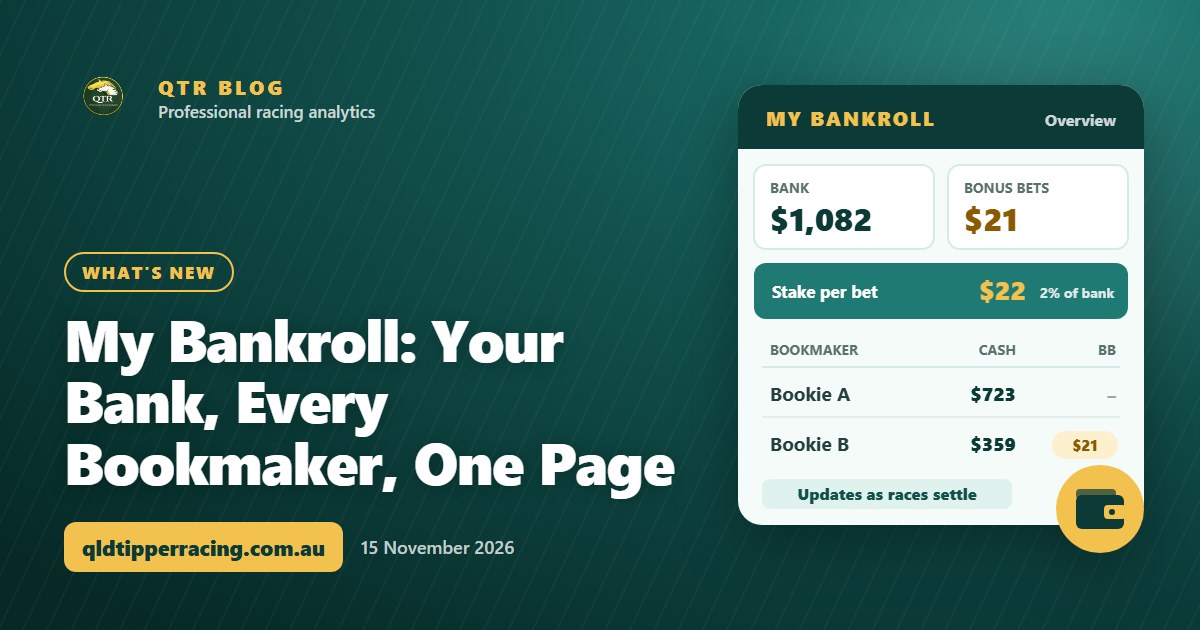 What's newMy Bankroll: Your Bank, Every Bookmaker, One PageMy Bankroll keeps your whole bank in one place across every bookmaker, works out your stake for each race and updates itself as your bets settle.
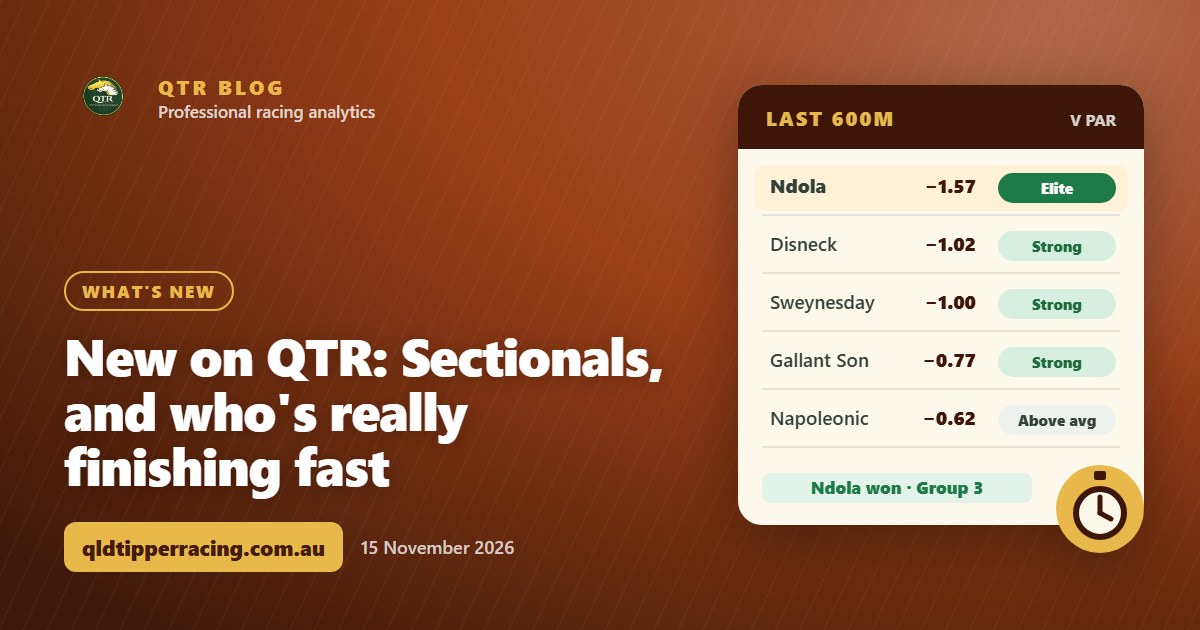 What's newNew on QTR: Sectionals, and who's really finishing fastEvery runner's last 600m, last 200m and overall time measured against par for the track, distance and going, rated Elite to Weak. Here's how it works, and four spring Group races where the fastest last-start finisher won.
 What's newQTR Is Now an App: Install It and Choose Your NotificationsQTR now installs on your phone straight from the website - free, no app store. Here's how to add it on Android or iPhone, and how to choose your notifications.