QTR Is Now an App: Install It and Choose Your Notifications
QTR now installs on your phone straight from the website - free, no app store. Here's how to add it on Android or iPhone, and how to choose your notifications.
A lot of you have asked for a QTR app, so here it is. QTR now installs on your phone straight from the website. There's no app store and nothing extra to pay, and it takes about ten seconds. Once it's on your Home Screen it opens full screen like any other app, and it can send you notifications: my Best Bets when they're out, scratchings, and updates on the horses in your Blackbook.
Get it now: open racing.qldtipperracing.com.au/app on your phone and follow the steps for your device.
Why install it
- One tap to open. QTR sits on your Home Screen next to your other apps, and opens without the browser bars.
- Notifications. My Best Bets, Best Bets scratchings and your Blackbook horses running today, straight to your lock screen.
- Always up to date. There's nothing to update. Every change I make to the site is in the app straight away.
- Same account. Log in once with your usual email and password (or Whop). Everything you've saved is there.
Install on Android
- Open the site in Chrome (Samsung Internet works too).
- Tap Install on the "Get the QTR app" banner at the top of the page. If you don't see it, open the ⋮ menu and tap Install app or Add to Home screen.
- Open QTR from your home screen, log in and tap Turn on notifications.
New to QTR? Sign up free and get 7 days of full access: my ratings, speed maps and race summaries for every race. No card needed.
Sign up freeInstall on iPhone or iPad
- Open the site in Safari.
- Tap the Share button (the square with the arrow, at the bottom on iPhone and the top on iPad).
- Scroll down, tap Add to Home Screen, then Add.
- Open QTR from your Home Screen, log in and tap Turn on notifications.
On iPhone and iPad, notifications only work from the Home Screen app, and need iOS 16.4 or later. If you're not sure which version you have, check Settings → General → About.
Install on a computer
In Chrome or Edge, click the install icon at the right of the address bar, or open the menu and choose Install QTR. Notifications work in the browser too, without installing.
Choose your alerts
Everything is in My Account → Notification settings. Each alert has an Email and an App box, so you can have it by email, as a notification, both, or not at all. If you've linked Telegram, some alerts can go there as well.
| Alert | What you get | App notification |
|---|---|---|
| Daily Best Bets | My Best Bets for the day, with the first runner | On |
| Best Bets scratchings | When one of the day's Best Bets is scratched | On |
| Blackbook updates | Your horses entered, running today, barrier drawn, jockey change or scratched | On |
| Shortlist alerts | A shortlisted runner is scratched, changes jockey or reaches your target price | On |
| System alerts | A runner qualifies for one of your saved QTR Systems | On |
| Blog | A new post or race preview goes up | Off until you switch it on |
| Weekly feature update | What's new on the site (Mondays) | Off until you switch it on |
| Trial reminders | A heads-up before your free trial ends | On |
| Offers & news | The occasional big announcement | On |
You can send yourself a test notification from the same page, and see every phone or computer that has notifications switched on.
Good to know
- Free for everyone. Anyone can install the app. Notifications need a free account, and the alerts follow your membership: free accounts get the Best Bets, Blackbook and Shortlist alerts, members get the rest too.
- Logging out stops notifications on that device until you log back in.
- To remove it, delete it like any other app. Your account and settings aren't affected.
- No signal? The app shows a short offline page and picks up again as soon as you're back online.
If something doesn't look right on your phone, let me know through Support, ideally with a screenshot.
18+ | Gamble responsibly | Gambling Help 1800 858 858 | gamblinghelponline.org.au | BetStop
Frequently asked questions
Is the QTR app free?
Yes. It installs straight from the website on Android, iPhone, iPad and computers, with no app store and nothing extra to pay. Notifications need a free QTR account.
Why don't I get notifications on my iPhone?
On iPhone and iPad, notifications only work from the QTR app on your Home Screen (iOS 16.4 or later). Add QTR to your Home Screen from Safari, open it from there, log in and tap Turn on notifications.
How do I choose which notifications I get?
Go to My Account, Notification settings. Each alert has an Email and an App box, so you can choose email, app notification, both or neither.
How do I stop notifications?
Untick the App box for any alert in Notification settings, tap Turn off for this device, or log out. You can also turn them off in your phone settings.
Get 7 days of full access, free
Sign up free and every feature is unlocked for your first 7 days. No card needed.
- My ratings, speed maps and race summaries for every race
- Ratings Lab, My Assessment and custom speed maps
- QTR Futures for the big races ahead
- Form tools, head to head, trainer patterns and the Statistics tab
Read next
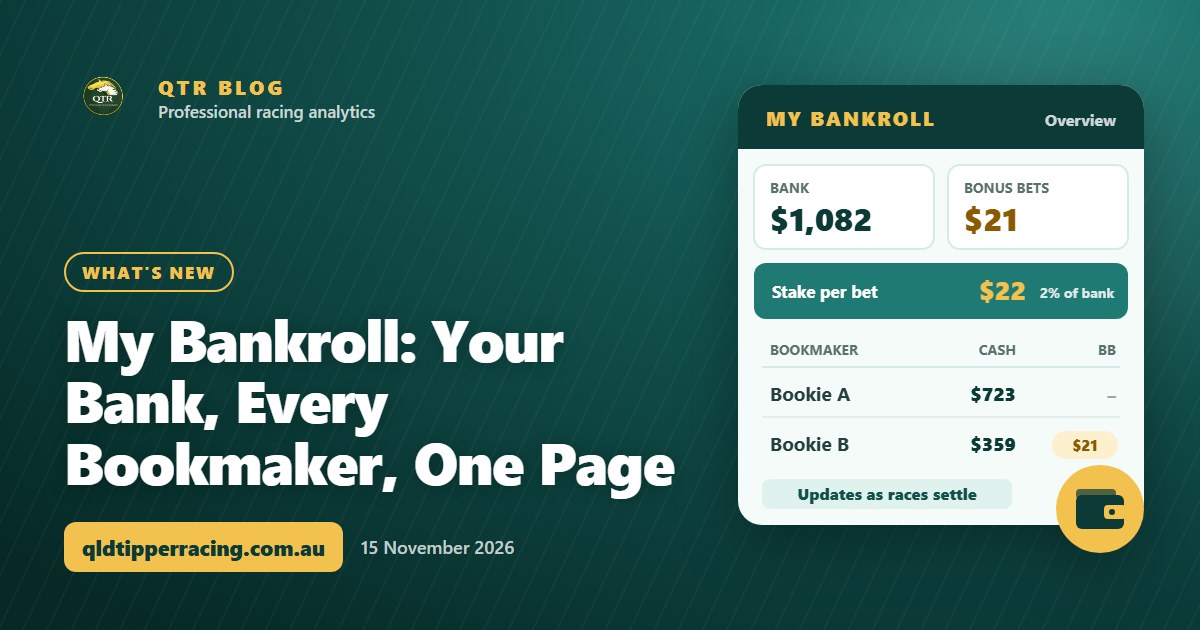 What's newMy Bankroll: Your Bank, Every Bookmaker, One PageMy Bankroll keeps your whole bank in one place across every bookmaker, works out your stake for each race and updates itself as your bets settle.
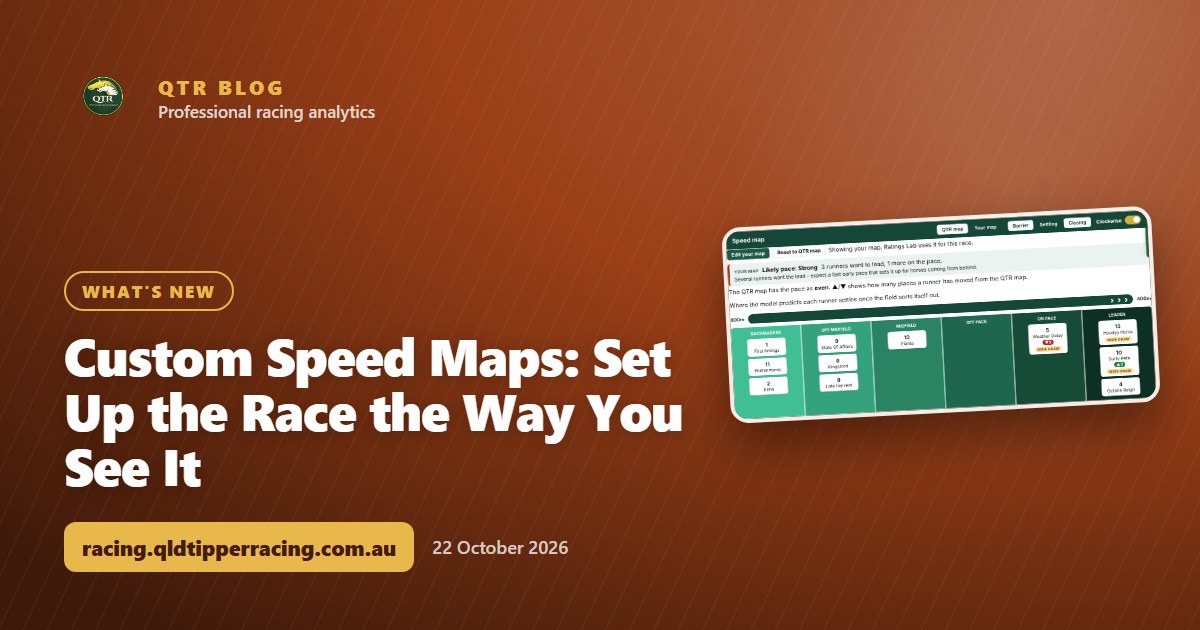 What's newCustom Speed Maps: Set Up the Race the Way You See ItThink a runner will go forward or get back? Move it on the speed map, watch the likely pace change, and save your own map for the race.
 What's newMy Assessment: Rate Every Runner Yourself and Track How You GoPut your own figure on every runner in a race, compare it with my ratings, and track how your assessments go over time on your Blackbook page.