Ratings Lab: Tune My Ratings to How You Read the Race
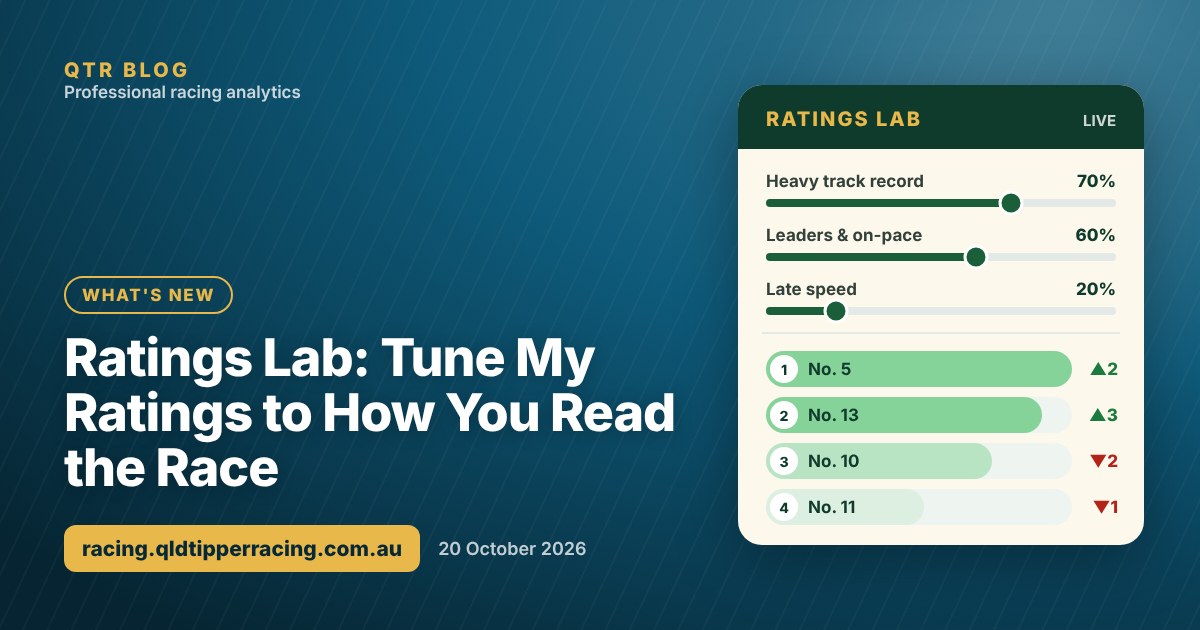
Heavy track and the leaders holding on? Ratings Lab lets you tune my ratings to how you think a race will be run, and watch the field re-order as you go.
No two race days play out the same. Some days the track is a Heavy 10 and the leaders keep finding more. Other days a rail out puts everything in the straight and the back-markers swamp the field late. My ratings are built to be a strong starting point for any race, but you know what you're seeing on the day.
So I've built Ratings Lab. It's a new tab on every race page and meeting page where you can tune my ratings to how you think a race will be run, and watch the field re-order as you go.
Try it free: you can use Ratings Lab on The Everest, the Caulfield Cup and other big races in my Demo Playground, then reveal the result to see how your order went. No sign-in needed.
How Ratings Lab works
- Open a race (or a meeting) and choose the Ratings Lab tab.
- Start from my ratings. With only the QTR rating switched on, the order is exactly my ratings.
- Move the sliders for the things you think matter today. Each slider is how much that factor counts, from 0% to 100%.
- Watch the field re-order. Every runner gets a bar from 100% (the top runner) down to 0%, its rank on my ratings, and an arrow showing how far it has moved. Small labels show which factors are lifting it and which are holding it back.
Every horse is scored against the rest of its own field on each factor, so a Heavy 8 record of two wins from seven starts counts for more in a race full of horses that have never raced on a wet track.
What you can adjust
| Group | Sliders | When I'd use it |
|---|---|---|
| Track & Distance | Today's track condition record, wet track record (Soft and Heavy), this track, this distance, track and distance together, inside barrier | Wet tracks, track specialists, tight tracks where the inside draw matters |
| Speed & Run Style | Leaders and on-pace, back-markers and swoopers, early speed, late speed, overall time | When the track is favouring one part of the field |
| Career & Form | Recent form, career win rate, career place rate, prize money per start, first-up and second-up record | Horses in form, consistent placegetters, horses fresh from a spell |
| Jockey, Trainer & Weight | Jockey form, trainer form, the jockey and trainer together, light weight | Stables and riders in form, handicaps with a big weight spread |
The track condition slider follows the race, so on a Heavy track it reads "Heavy track record", and on a Good track it reads "Good track record".
New to QTR? Sign up free and get 7 days of full access: my ratings, speed maps and race summaries for every race. No card needed.
Sign up freeAn example: a day for the leaders
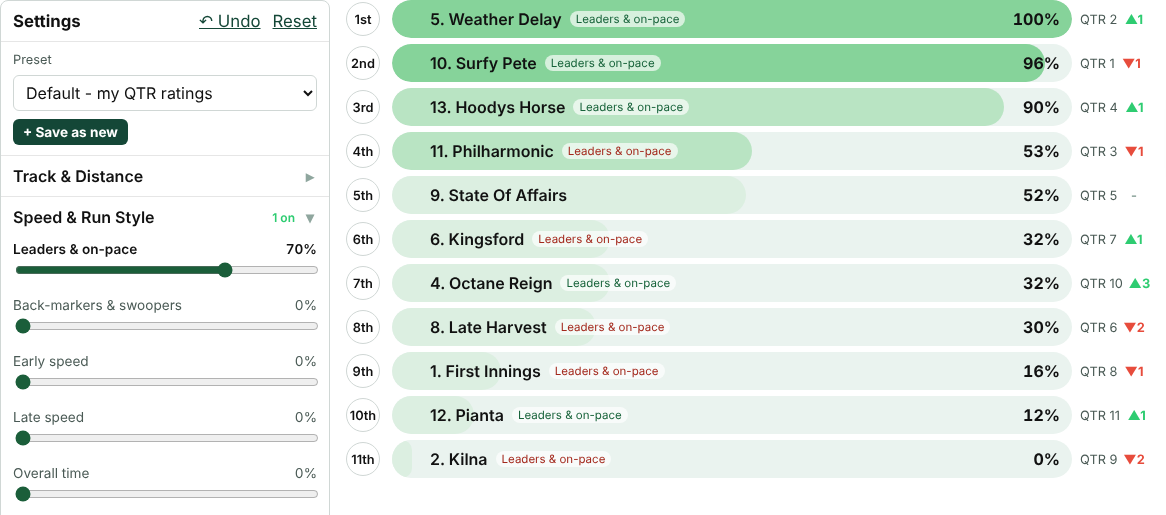
Take Horsham Race 8 on Sunday 18 October, a 1800m Benchmark 62. On my ratings, Surfy Pete was first, Weather Delay second, Philharmonic third and Hoodys Horse fourth.
Say the first few races had been won on the pace. Turn Leaders and on-pace up to 70% and the order changes straight away:
- Weather Delay moves to the top. It's expected to settle second.
- Hoodys Horse, the likely leader, moves up from fourth to third.
- Philharmonic drops from third to fourth, because it usually settles near the back.
- Surfy Pete drops from first to second, and the runners expected to get back in the field slide down.
None of that changes my ratings. It's your view of the day, laid over the top of them.
Save presets and use them across a meeting
Once you've got settings you like, save them as a preset, for example "Heavy track, leaders" or "Swoopers' day". You can keep up to 20 presets and switch between them from the dropdown.
You can apply a preset to a single race or to the whole meeting. On the meeting page's Ratings Lab tab, every race re-orders at once, so you can see in a few seconds where your view of the track changes the top of the field. A race with its own preset keeps it, so you can treat one race differently from the rest of the card.
Changed your mind? Undo steps back one change at a time, and Reset takes you straight back to my ratings.
How I use it
- Start small. One or two sliders at 30% to 50% is usually enough to see who your view of the day really helps.
- Watch the arrows, not just the top spot. A runner that jumps four or five places is one to look at closely in its form.
- Keep the QTR rating on. It already includes far more than any single slider, so it's a good anchor. Turn it down if you want your factors to decide more.
- Check the track pattern first. The Track Pattern tab on the meeting page shows where today's placegetters settled and which barriers they drew, and that's the best guide to which sliders to use.
Who can use Ratings Lab?
Ratings Lab is for QTR members, including anyone on the free 7-day trial. You'll find it on every race page and meeting page. See what's included on the Unlock QTR page, and everything else I've added lately in the changelog.
Not a member yet? Try Ratings Lab in my Demo Playground first: move the sliders on a big race, then reveal how it finished. No sign-in needed.
However you read the race, set yourself a budget first and stick to it.
18+ | Gamble responsibly | Gambling Help 1800 858 858 | gamblinghelponline.org.au | BetStop
Frequently asked questions
Where do I find Ratings Lab?
It's a tab on every race page and every meeting page. On a race page it re-orders that race; on a meeting page it re-orders every race at once.
Does Ratings Lab change the QTR ratings?
No. It's your own view laid over my ratings. With only the QTR rating switched on, the order is exactly my ratings, and Reset takes you back there at any time.
Can I save my settings?
Yes. Save them as a preset (up to 20), then apply a preset to a single race or the whole meeting. The preset loads automatically next time you open that race or meeting.
Who can use Ratings Lab?
QTR members, including anyone on the free 7-day trial for new accounts.
Get 7 days of full access, free
Sign up free and every feature is unlocked for your first 7 days. No card needed.
- My ratings, speed maps and race summaries for every race
- Ratings Lab, My Assessment and custom speed maps
- QTR Futures for the big races ahead
- Form tools, head to head, trainer patterns and the Statistics tab
Read next
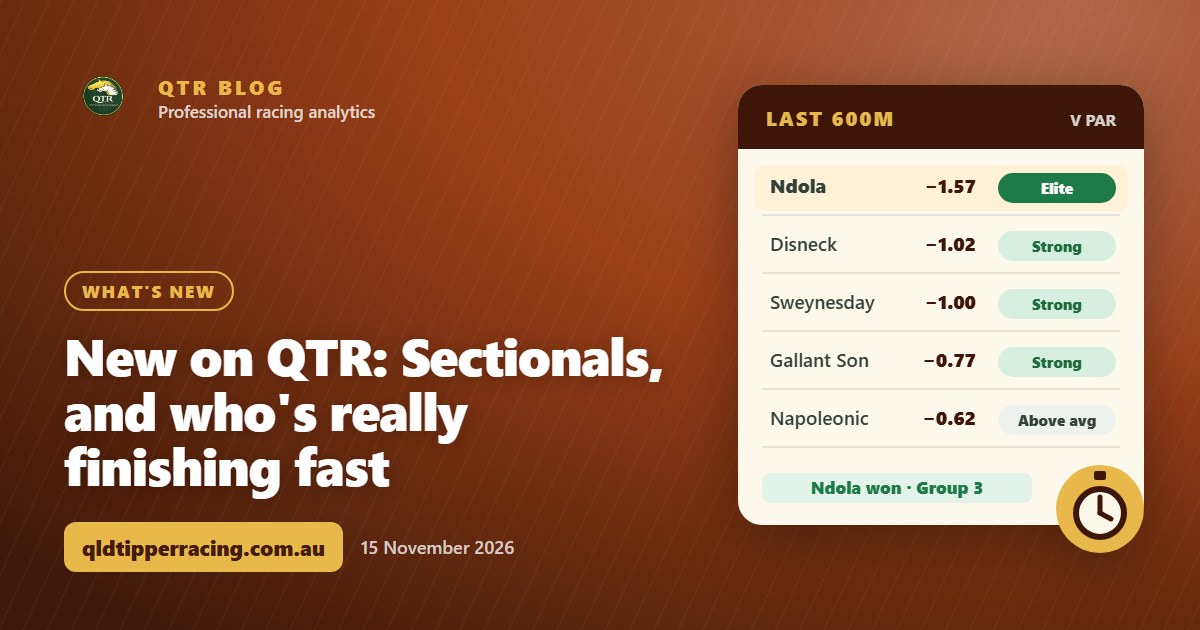 What's newNew on QTR: Sectionals, and who's really finishing fastEvery runner's last 600m, last 200m and overall time measured against par for the track, distance and going, rated Elite to Weak. Here's how it works, and four spring Group races where the fastest last-start finisher won.
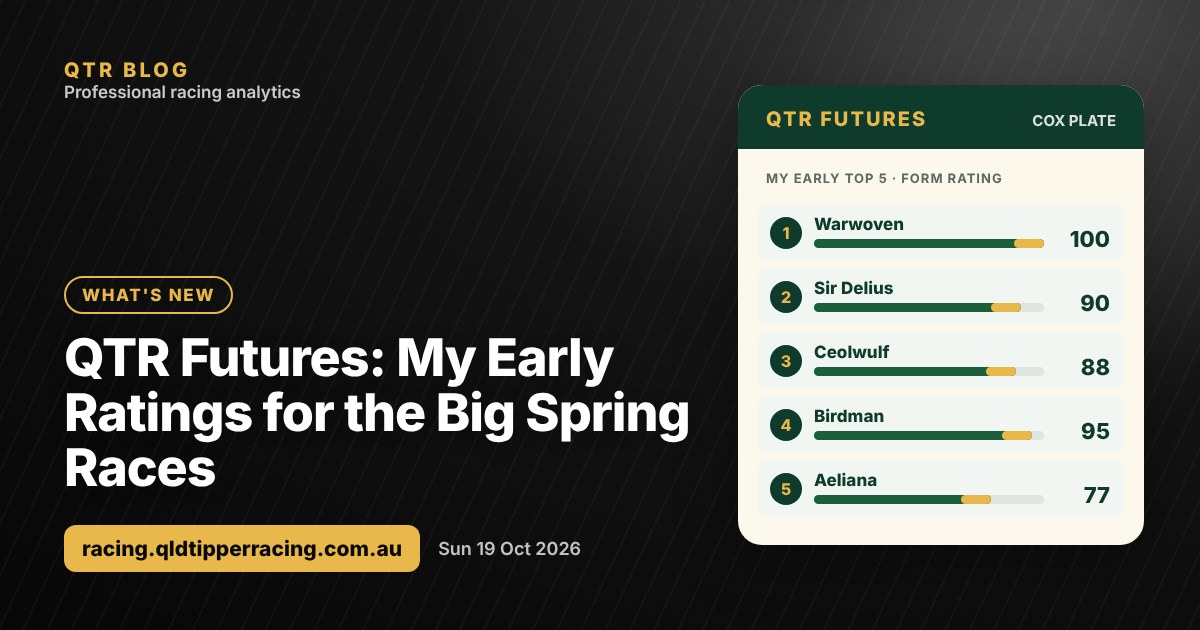 What's newQTR Futures: My Early Ratings for the Cox Plate and the Big Spring RacesMy early rating for every horse in the big spring races, starting with this Saturday's Cox Plate. How I rate them weeks out, and where my ratings are on shakier ground.
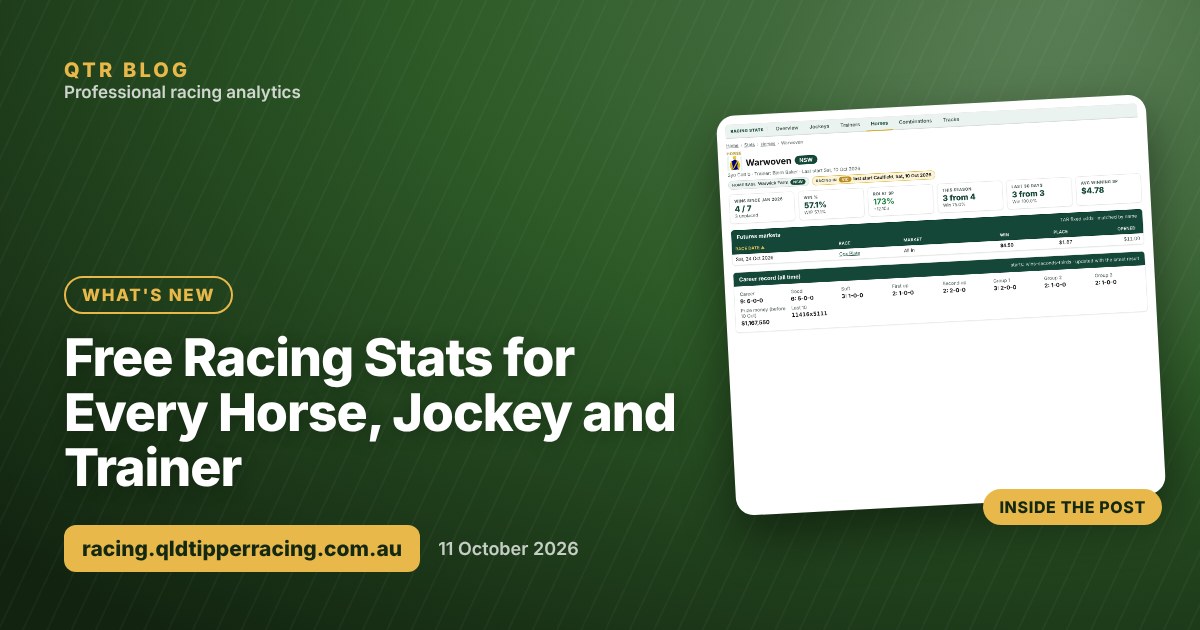 What's newFree Racing Stats for Every Horse, Jockey and TrainerI've opened up free Racing Stats pages for every horse, jockey, trainer and track, with site search and sortable tables. Here's what's in them, using Warwoven as an example.