Horse Racing Bet Tracker: Track Your Bets and ROI
QTR's My Bets now logs every bet, settles results automatically and shows your profit, ROI and strike rate. Here's how it works and why it matters.
Most punters think they know how they're travelling. Very few actually do. A horse racing bet tracker fixes that, and the two latest QTR updates turn My Bets into a proper one.
I've added result tracking to My Bets and a private profit and loss dashboard. Here's what each does and how to use them.
Bankroll Basics: the series
- Bankroll management for punters: staking plans that last
- Horse racing bet tracker: track your bets and ROI (you're reading it)
- My Bankroll: your bank, every bookmaker, one page
- Bonus bets explained: what they're worth and how to track them
- Why bookmakers give bonus bets, and why they take them away
- Turning bonus bets into cash: matched betting explained
- Reading your bankroll statement: a week in a punter's bank
- Enjoy the punt, stay in control
Why a horse racing bet tracker matters
A winner on Saturday sticks in your memory. The three losers on Wednesday don't. That's how a punter ends up convinced they're ahead when they're behind, or the other way around.
Tracking every bet gives you real numbers instead of a feeling. Once you can see them, you can spot which bet types, tracks or price ranges are working and which are costing you.
My Bets now tracks your results (v1.21)
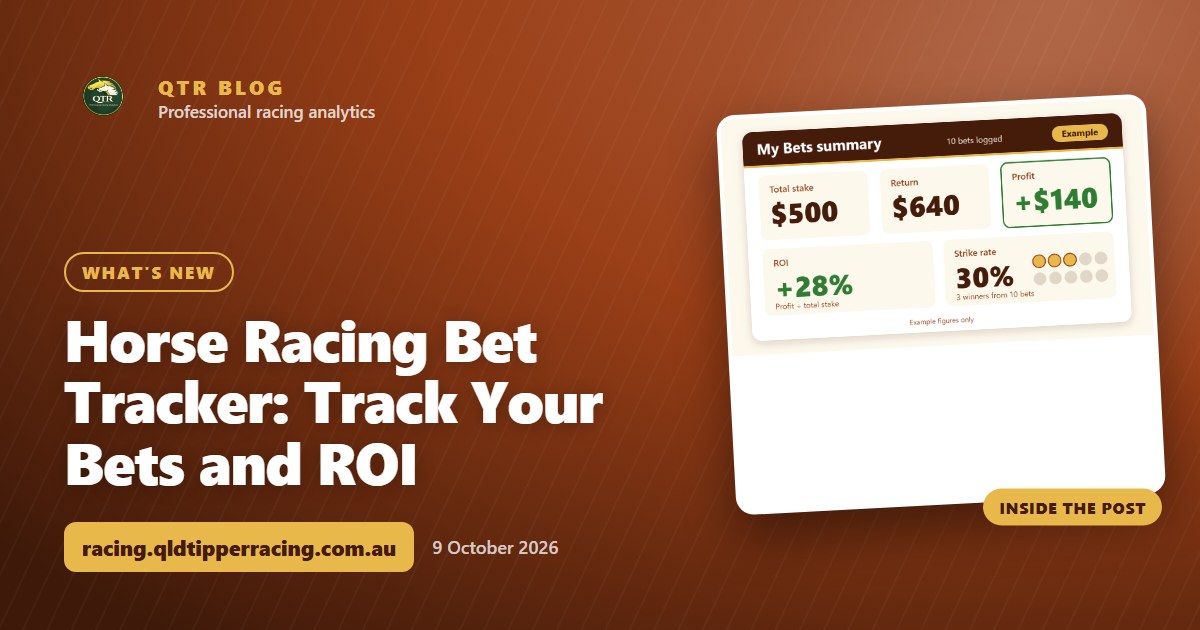
This is the most useful update for any punter, so I'll start here. Your My Bets page on the Account tab now shows these figures across every bet you've logged:
- Total stake: what you've put into the market
- Return: what came back
- Profit: return minus stake
- ROI: profit as a percentage of what you staked
- Strike rate: how often your bets win
Each race's own My Bets list also shows a result for every settled bet. You can look at a race and see straight away what won, what lost and what you got back.
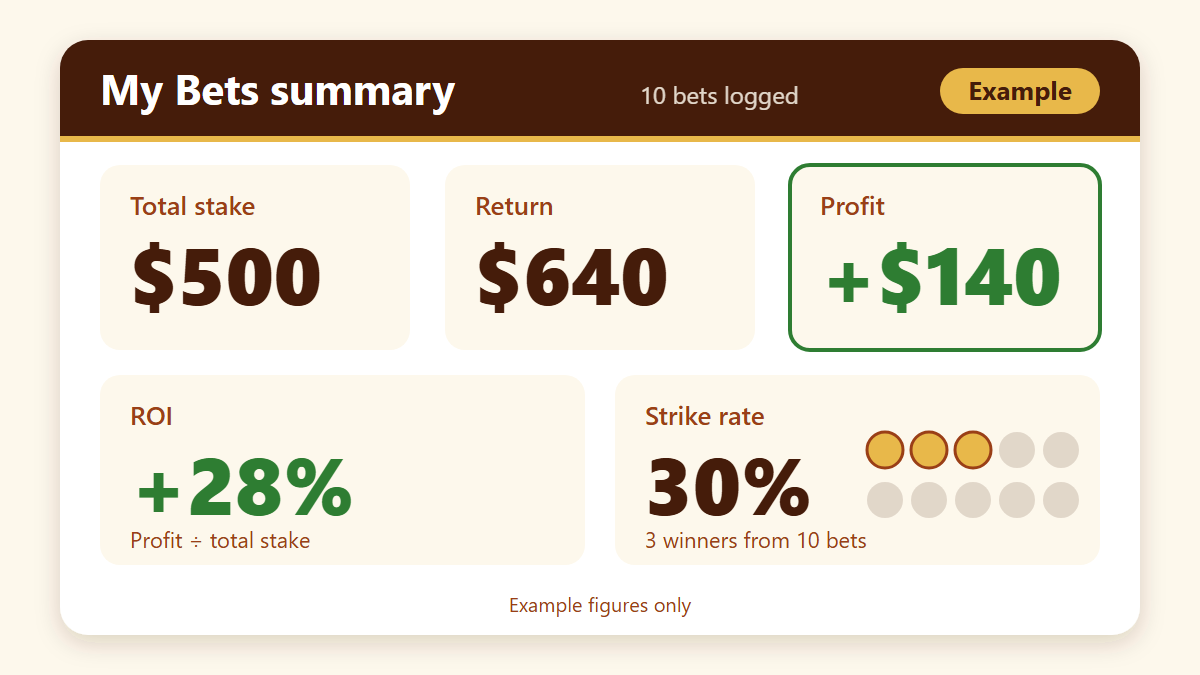
The numbers above are round, illustrative figures. They show how a small number of winners at the right prices can leave you in front even when most bets lose. That's why ROI tells you more than strike rate on its own.
New to QTR? Sign up free and get 7 days of full access: my ratings, speed maps and race summaries for every race. No card needed.
Sign up freeHow to place and log your own bets
I want this to be simple. The process looks like this:
- Open the race you're interested in from the race cards.
- Make your selection using my ratings and the market.
- Place the bet with your bookmaker as you normally would.
- Log it in that race's My Bets list so QTR has a record of your stake and price.
QTR doesn't take the bet for you. It's your record of what you did, kept in one place next to the race you backed it in.
Results update automatically
This is the part that saves the most time. Once the race is run and settled, QTR updates your logged bets with the result. You don't need to go back and mark winners and losers or work out returns on a calculator.
Your tracking history builds itself in the background. Every settled bet feeds into your totals on the Account tab, so the numbers are always current.
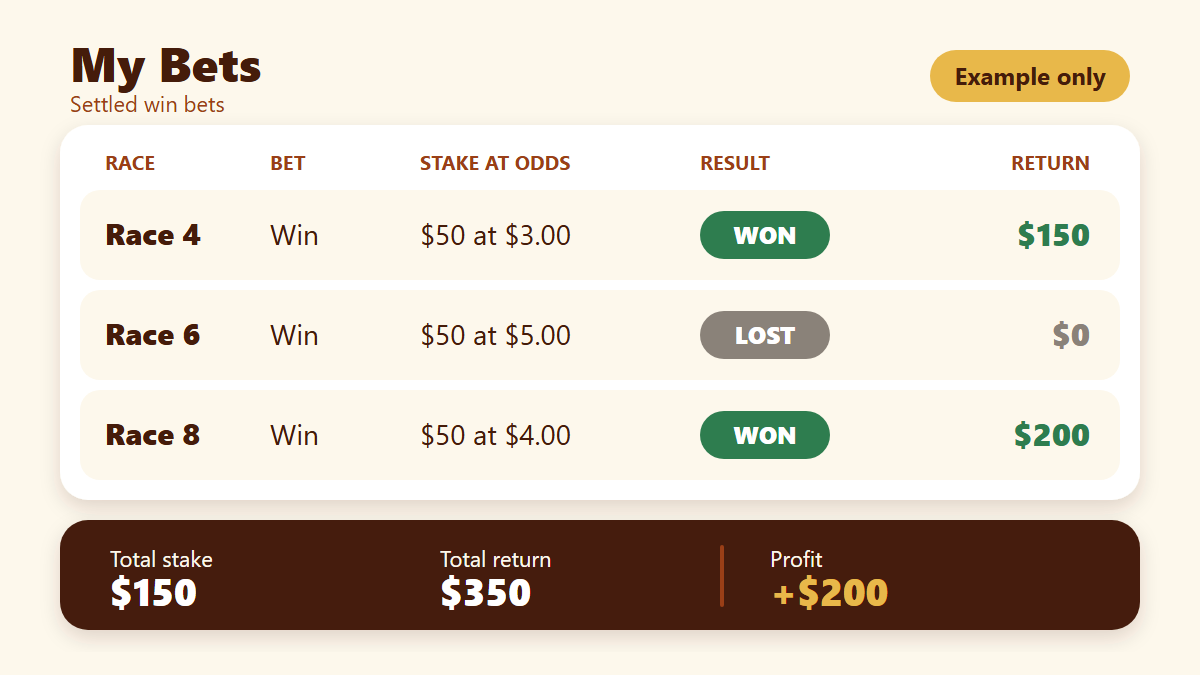
In that example two winners cover the loser comfortably. It's the kind of picture you get when you back horses at prices bigger than their real chance. That's value betting.
The Bet Tracker dashboard (v1.8)
The My Bets totals tell you where you stand. The Bet Tracker dashboard shows how you got there. It's a private profit and loss dashboard built for tracking performance over time.
Only you can see it. Use it to answer questions like these:
- Is my profit trending up or flattening out?
- Did one big week hide a run of losing ones?
- Am I better on certain types of bets than others?
A longer view keeps you honest. One good Saturday proves very little. A few months of settled bets tells you something real.
How tracking helps you find winners and value
Tracking doesn't pick winners by itself. It makes the way you use my ratings and race data better, because you can see what's working. If your bets at bigger prices are returning more than your short-priced ones, that's worth knowing. If your strike rate looks great but your ROI is flat, you may be taking prices that are too short.
Small adjustments based on your own results add up. You can see everything else I've released on the what's new page, and there are more guides on the QTR blog.
Ready to try it?
The quickest way to see how this works is to log a few bets and watch the results settle themselves. You can start a 7-day free trial and try My Bets and the Bet Tracker dashboard yourself. If you want to see everything that comes with membership first, have a look at what's included.
Next in the series: My Bankroll, your bank and stake across every bookmaker on one page.
Frequently asked questions
What is a horse racing bet tracker?
It's a tool that records every bet you make, then calculates your stake, return, profit, ROI and strike rate. It shows how you're really going, not how it feels.
Does QTR update my bet results automatically?
Yes. Once a race settles, the result shows against each bet you've logged in that race's My Bets list, and your totals and history on the Account tab update as well.
What figures does My Bets show?
Your My Bets page on the Account tab shows total stake, return, profit, ROI and strike rate across every bet you've logged.
Is my bet tracking private?
Yes. The Bet Tracker dashboard is a private profit and loss dashboard, so only you can see your performance.
Why is ROI more useful than strike rate?
Strike rate only counts how often you win. ROI also factors in the prices you took, so it shows whether your winners are paying enough to cover your losers.
Get 7 days of full access, free
Sign up free and every feature is unlocked for your first 7 days. No card needed.
- My ratings, speed maps and race summaries for every race
- Ratings Lab, My Assessment and custom speed maps
- QTR Futures for the big races ahead
- Form tools, head to head, trainer patterns and the Statistics tab
Read next
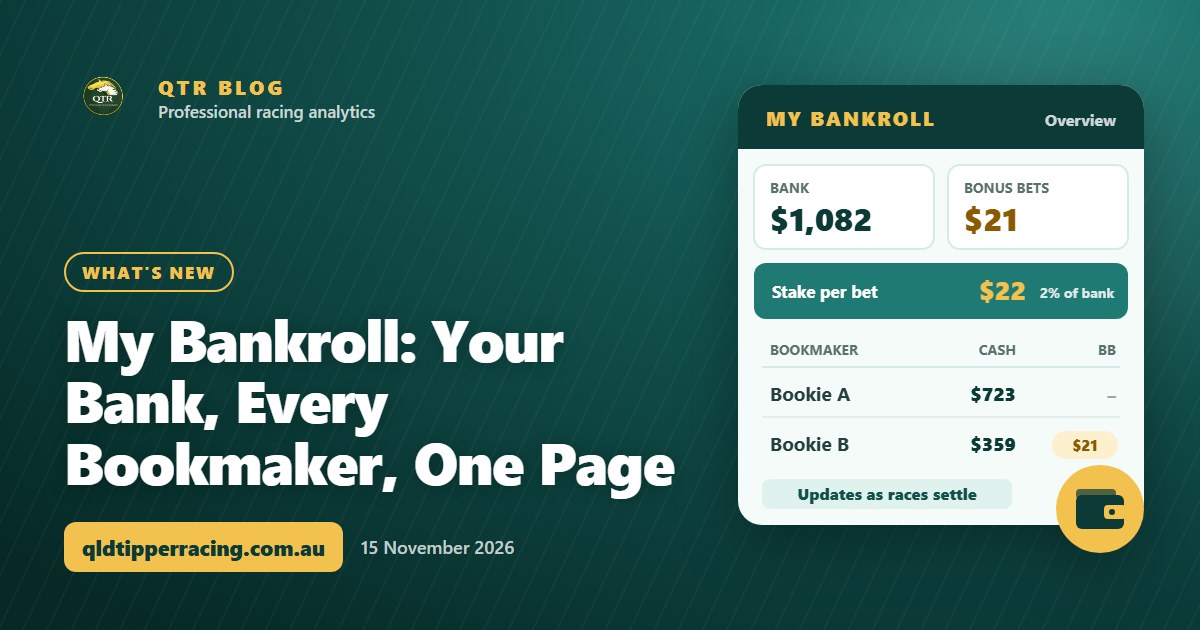 What's newMy Bankroll: Your Bank, Every Bookmaker, One PageMy Bankroll keeps your whole bank in one place across every bookmaker, works out your stake for each race and updates itself as your bets settle.
 What's newQTR Is Now an App: Install It and Choose Your NotificationsQTR now installs on your phone straight from the website - free, no app store. Here's how to add it on Android or iPhone, and how to choose your notifications.
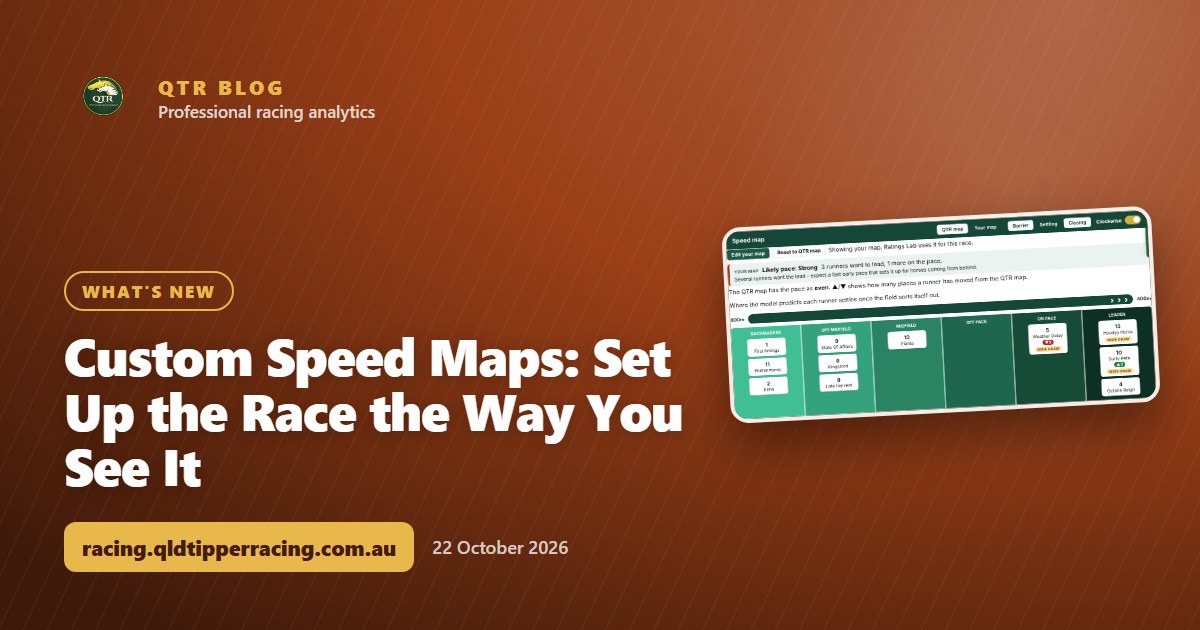 What's newCustom Speed Maps: Set Up the Race the Way You See ItThink a runner will go forward or get back? Move it on the speed map, watch the likely pace change, and save your own map for the race.